Showing posts with label Colors. Show all posts

Friday, October 17, 2008

HDR Images


Here are more HDR pictures here at Slocum Pier in North Carolina. Slocum Pier is located in Cherry Point in the city of Havelock. It is a beautiful place to go if you are in that area. It is located on a Marine base. I used an HDR action on them to get these effects.

Friday, March 14, 2008

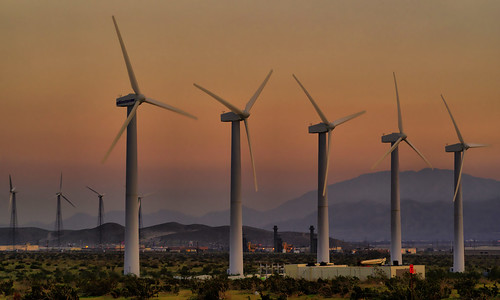
My Windmill Picture


This was taken out by Palm Springs CA at sunset! I used the Dynamic-HDR tool to enhance the picture. I like my result! I like the way the windmill look out that way. There are so many of them;-)

Friday, March 7, 2008

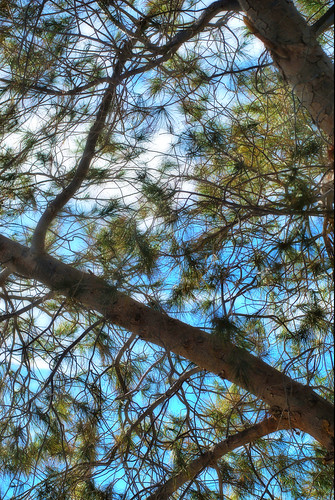
CHOAS


This came out interesting. I shot up the tree. It came out kind of cool! Have you ever had days like these. I have chaotic days sometimes. This pictures relates to that. I like the pattern of this tree. I used the HDR tool on this. You can find this image on my flickr page!

Thursday, March 6, 2008

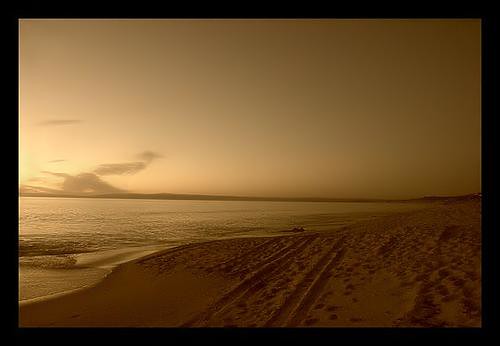
MONTEREY BAY


Here is the same photo of Monterey Bay CA! One is in sepia and the other is just a crop with a color enhancement! Monterey is another beautiful place in CA to visit! I really enjoyed it! The beaches ar wonderful and the food is great! The town seems historic almost. It makes a great vacation!

Wednesday, March 5, 2008

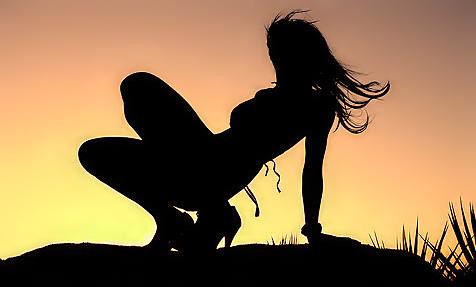
SILHOUETTE


Every Photographer has a silhouet shot! Here is mine! This was of a model named Anicia! It was taken down at Indian Cove down the road from Twentynine Palms! It was taken about sunset time but I still had some photo-editing to do! I like how it cam out just the same! I was pleased and so was she! I shot it on a TFP basis!

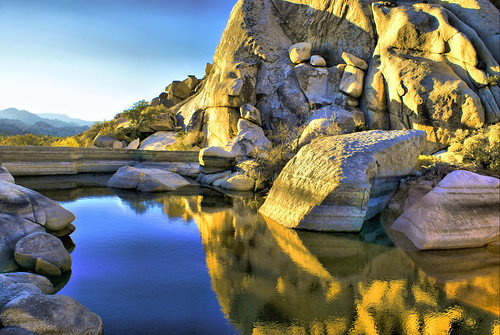
Barker Dam In HDR


Barker Dam is located in Joshua Tree National Park! Its nice! I took this picture then used the Dynamic HDR tool! I like how it came out!

This is a nice place for tourist if you are ever in the Twentynine Palms area!

Monday, March 3, 2008

Colorize an Image - Tutorial

1. Download a black & white img
2. Now select the poligonal lasso tool and select an area!
3. Now layer > new adjustment layer > hue/saturation, and use this settings
4. With the poligonal lasso tool select another area of the photo.
5. Apply hue, i use this settings: Select colorize, Hue: 30, Saturation: 25, Lightness: 0
6. Now add the final retouch
You should be finished! How do you like your image?

This is just a simple way of doing this. Remember I use Adobe CS3!

Eye Macro


This was taken with a fixed 50mm Sigma lens! I must confess that my husband took this photo of my eye. I would not have been able to get such a clear shot so close to my eye. I liked how it came out. This is a true macro. The colors in a person's eye is so cool! I like the pattern too! I think macro shots are so beautiful. Macro Photography is one of my faves;-)

Wednesday, January 23, 2008

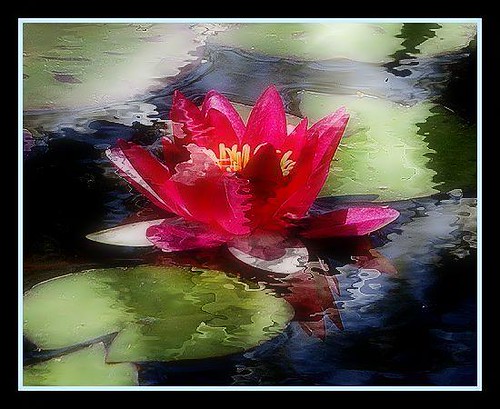
A flower a day makes it even better!

This picture is only to say have a nice day. Thanks to www.FlauntR.com for the reflection effect. I know there is also a Lillie's reflection in the photo too but I still like how it came out. It looks artistic to me;-)