Showing posts with label Ideas. Show all posts
Showing posts with label Ideas. Show all posts
Wednesday, February 27, 2008
Messages and Comments
I will try to get back to everyone. I am thankful for all the comments and friends. I want to answer all messages even if I can't. I have work, School, and Catherine among other things. I stay very busey! If I don't get back to you right away please don't take it personally. I have a lot on my plate. That is another reason why I created my blog. This way I can share my ideas! Anyway feel free to rome and look around;-)


Tuesday, February 26, 2008
Photos with a deeper meaning!
Lately I have been working on making my photos more artistic instaed of the standard flower macro of HDR landscape! I want to create visual statements with my photos. I want to create pictures with a deapper meaning or even a message! I want to make my pictures more interesting. This is going to be a challenge for me but I love challenges! I am always open for tips and ideas so if anyone has any , please share!
Monday, January 14, 2008
ME

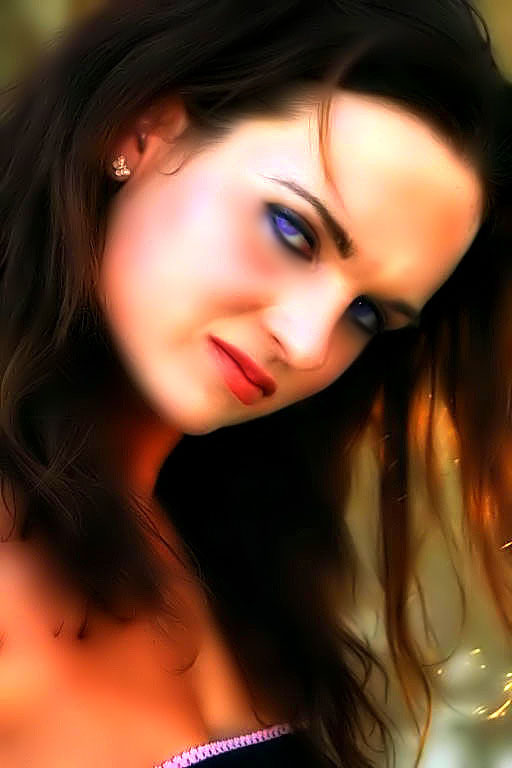
Here is a self-portrait! I put this image in neat image a few times. I used the Dynamic-HDR tool on this photo. It enhanced the color. I smoothed it out some usinf the smudge tool in the Adobe CS3 photoshop. I also enhanced the colors and used the Overlay tool in blending options.
This is one of my modeling pictures. I used to model a while back. Now I am on the other side of the camera!
Thursday, December 27, 2007
I sharpened this image and made it more clear!

1. I cloned out the power line and a few other little mishaps the photo had!
2. I used the sharpening mask, unsharp mask, sharpen more, sharpen, sharpen edges!
3. I enhanced the color by going to adjustments and using color match!
4. Then I reduced the noise by using the filters.
5. I did all this by using Adobe CS3! This was the result! I like how it came out!
Orton Effect - Tutorial
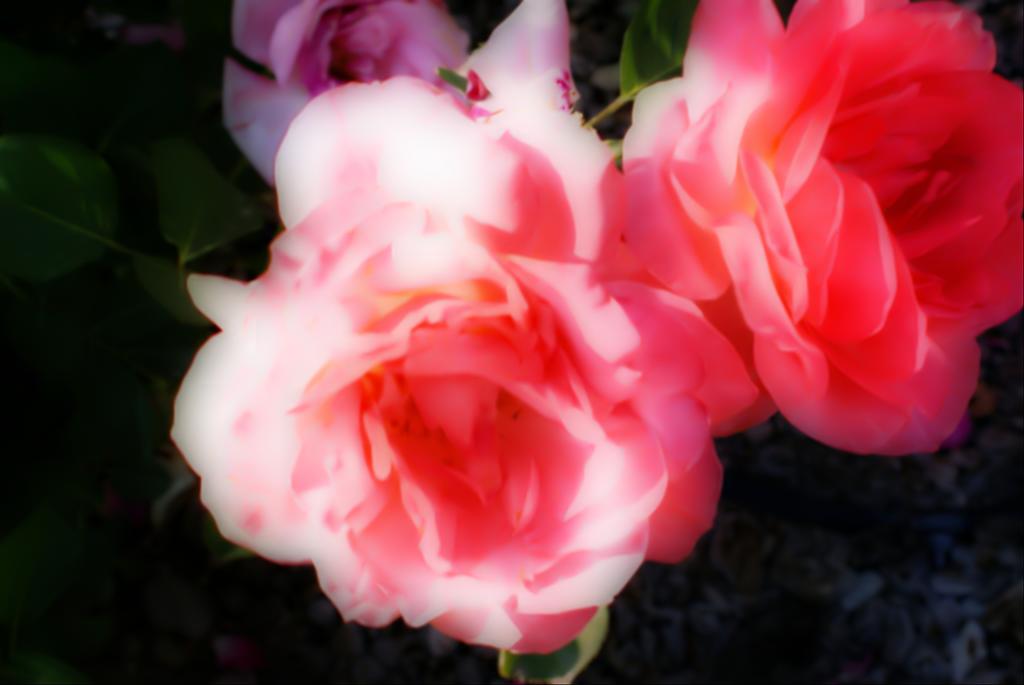
The Orton Effect is named after Michael Orton who first used the technique is a sandwich of two images, one in focus the other out of focus. Freeman Patterson and Andre Gallant have both used the technique successfully in their work as well.
I use Adobe CS3 when I photoshop images! It is one of the best photoshops in my opinion!
1. Open your image. (Image 1)
2. Duplicate the background layer (Right click on the background layer and choose duplicate) and name that layer Sharp.
3. Create another duplicate of the background layer.
4. Change the Blending mode of the Sharp Copy to screen.
5. With the Sharp Copy layer selected, right click and choose Merge Down. (Image 2)
6. Right click on the Sharp layer, choose Duplicate and name this layer Out of Focus.
7. On the Filter Menu, choose Blur - Gaussian Blur (Image 3)Depending on the resolution of the image you are using, the amount of blur needed will change. Use enough that the shapes are still visible, but detail is not. For this 6.1 Mega pixel image, a value of 15.9 was sufficient.
8. Change the blending mode of the Out Of Focus layer to Multiply. (Image 4)
Once you are complete, you may find it necessary to adjust the opacity of your Out of Focus layer and/or apply a levels (or curves) adjustment layer to the Sharp layer if some tweaking is necessary.You can also adjust the amount of blur you apply to the out of focus image, as well as adjustments such as level, brightness and contrast and it is good practice to apply sharpening to your image Sharp layer. (Image 5)
Not all images work well with this effect! You have to decide what looks good when it comes to your own photos and what you like. The current image looked blurry before I used the Orton effect and now it looks nice. Almost like I meant for it to look some what soft and blurry! I think this effect works wonderfully with flowers in my opinion.
Please let me know how you're images turn out using this effect or if you have a different effect you would like to share then please let me know! It is nice when photographers can learn together!
My Flickr Account!
Here is a link to my portfolio! I am currently working on my pictures! I welcome ideas and tips for anyone who would like to share their ideas!
http://www.flickr.com/photos/hustonphotos/
I enjoy making photographer friends and sharing photos! If you have a flickr account feel free to add me and we can exchange comments and ideas!
http://www.flickr.com/photos/hustonphotos/
I enjoy making photographer friends and sharing photos! If you have a flickr account feel free to add me and we can exchange comments and ideas!
A blogspot that can help tips, ideas, tutorials, and techniques!
I was messing around on my blogger and I found this site that is very helpful when it comes to photography and improving your work if any one is interested!
http://photoresources.blogspot.com/
Not sure who created it but I have read a few articles and is appears to be very helpful in many ways!
http://photoresources.blogspot.com/
Not sure who created it but I have read a few articles and is appears to be very helpful in many ways!
Subscribe to:
Posts (Atom)